Password Reset Emails: Safety Tips for Users (and Mistakes Builders Should Avoid)
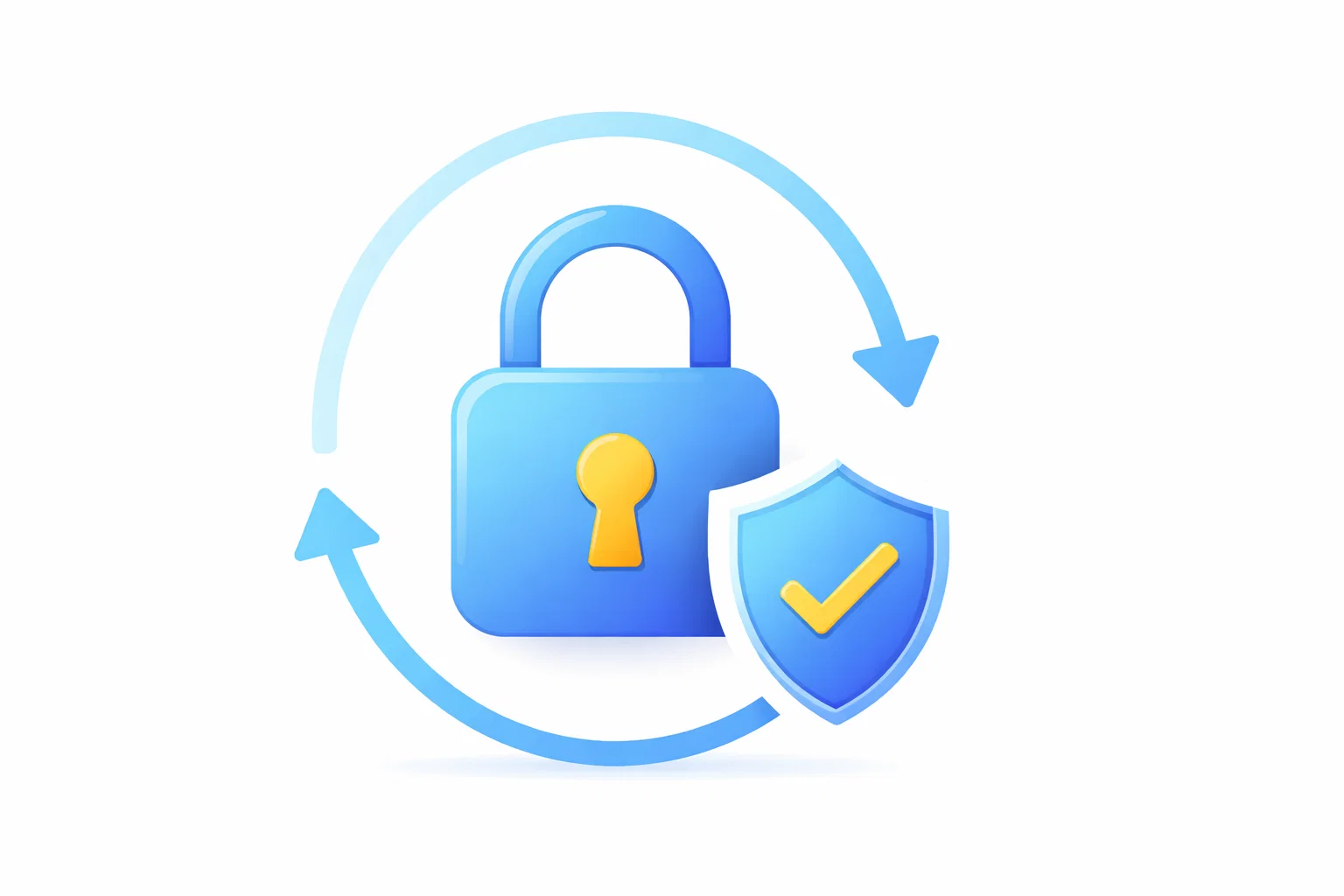
Password reset emails are some of the most sensitive messages you’ll ever receive. Attackers love them because a successful reset can lead directly to account takeover.
1) If you didn’t request a reset, treat it as a signal
- Someone may be attempting to access your account.
- Your email might be in a leaked list being tested automatically.
This does not always mean you’re hacked—but it does mean you should respond safely.
2) The safest way to handle reset emails
- Do not click the link immediately.
- Open a new tab and navigate to the official site directly.
- Log in normally (if you can), then change your password from within settings.
- Review recent sessions and revoke unknown devices.
3) Red flags in reset emails
- Weird sender domain or mismatched domain
- Urgent threats (“reset in 10 minutes or lose access forever”)
- Shortened links or confusing redirects
- Asks for extra personal info outside the normal process
4) Strengthen the account, not just the password
- Use a password manager and unique passwords.
- Enable passkeys or 2FA.
- Turn on “login alerts” where possible.
5) Builder mistakes that create reset risk
- Reset links that never expire
- No rate limiting on reset requests
- Reset tokens reusable multiple times
- Not revoking sessions after reset (where appropriate)
6) Should users rely on temporary email for resets?
No for any account you care about. Temporary inboxes are short‑term by design and may expire. Use an email provider you control for recovery.
7) Where temporary inboxes help (legit use)
For QA teams testing password reset templates in staging, disposable inboxes reduce noise and speed up iteration. Generate a fresh test inbox: TempMailbox.